Know the facts without digging
See who owns it, what stage it's at, how close it is to done, and what's coming up next, all without opening the project itself. Search and filter across every project you've got, so you're never hunting through each one just to find the one that needs attention.
Book a demo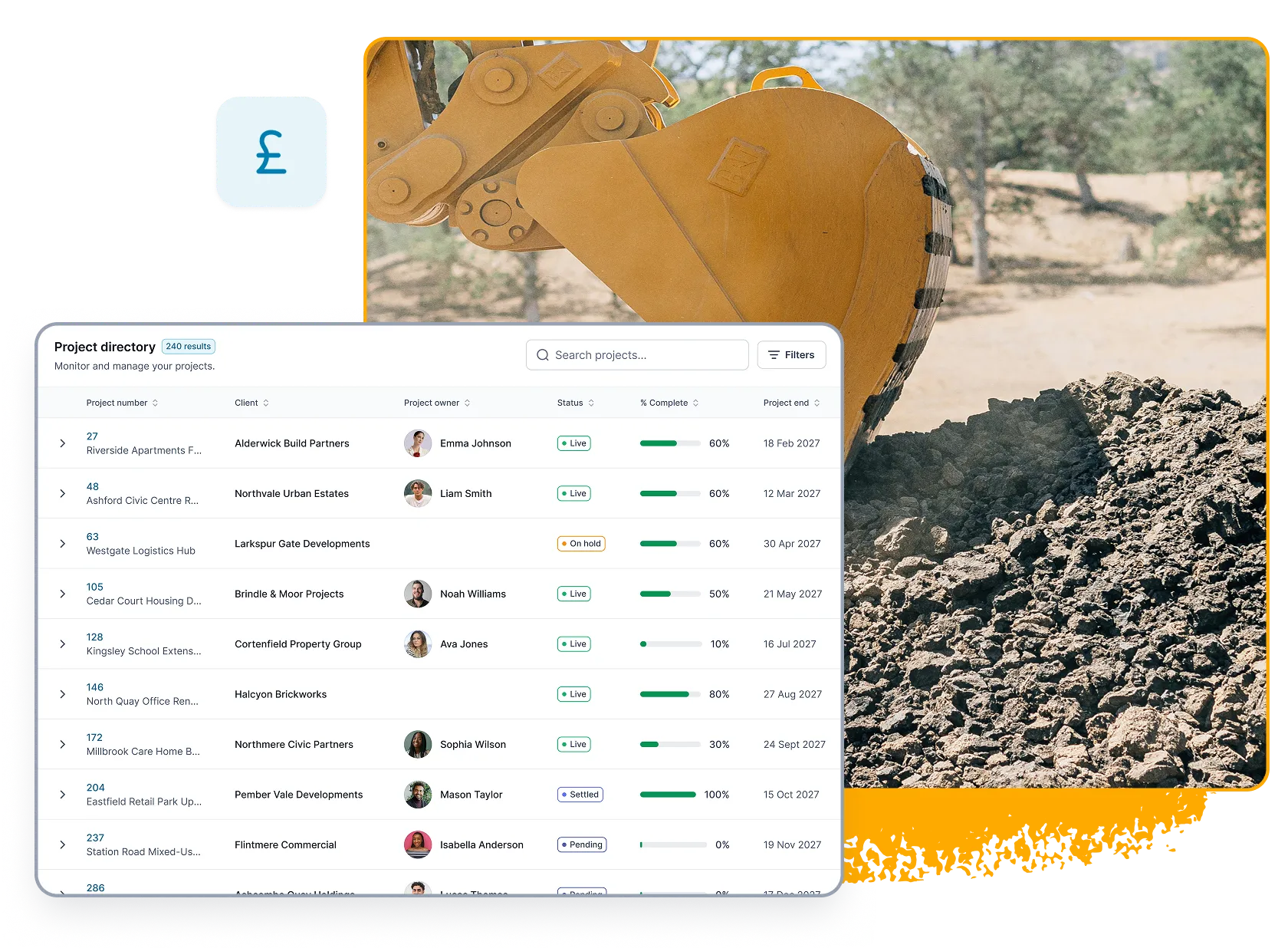
Manage the parts. See the whole.
Use the project for the overall piece of work, and separate jobs for the parts being delivered. A refurb might have preparation, decorating and finishing running as three separate jobs, each planned and tracked on its own, while the project keeps the wider customer story in one place.
Explore jobs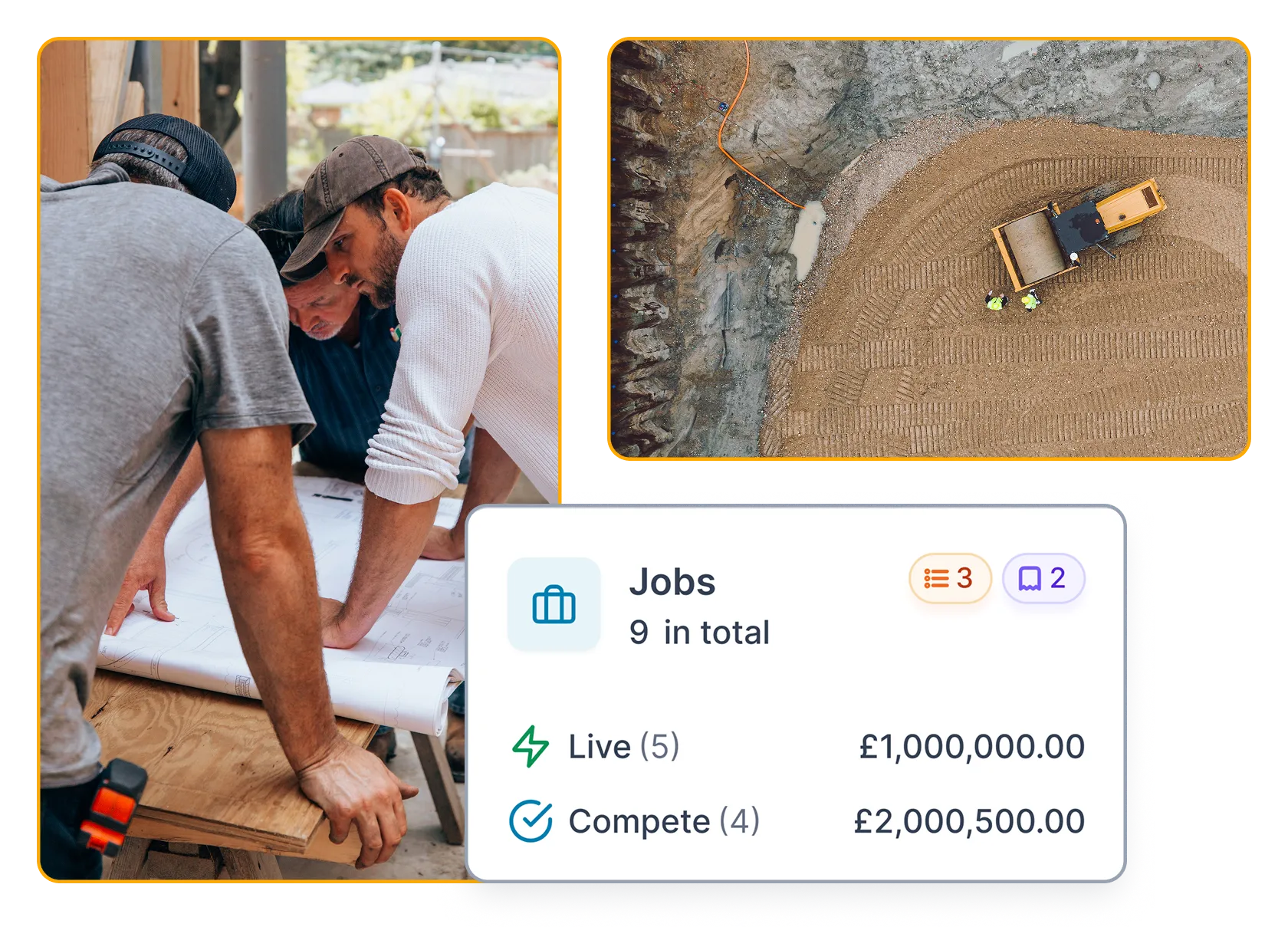
Go straight to what you need
Move straight from the Project into the Estimates, Jobs, Tasks, Documents and Invoices that belong to it. You're working from the real record, not someone's summary of it.
Book a demo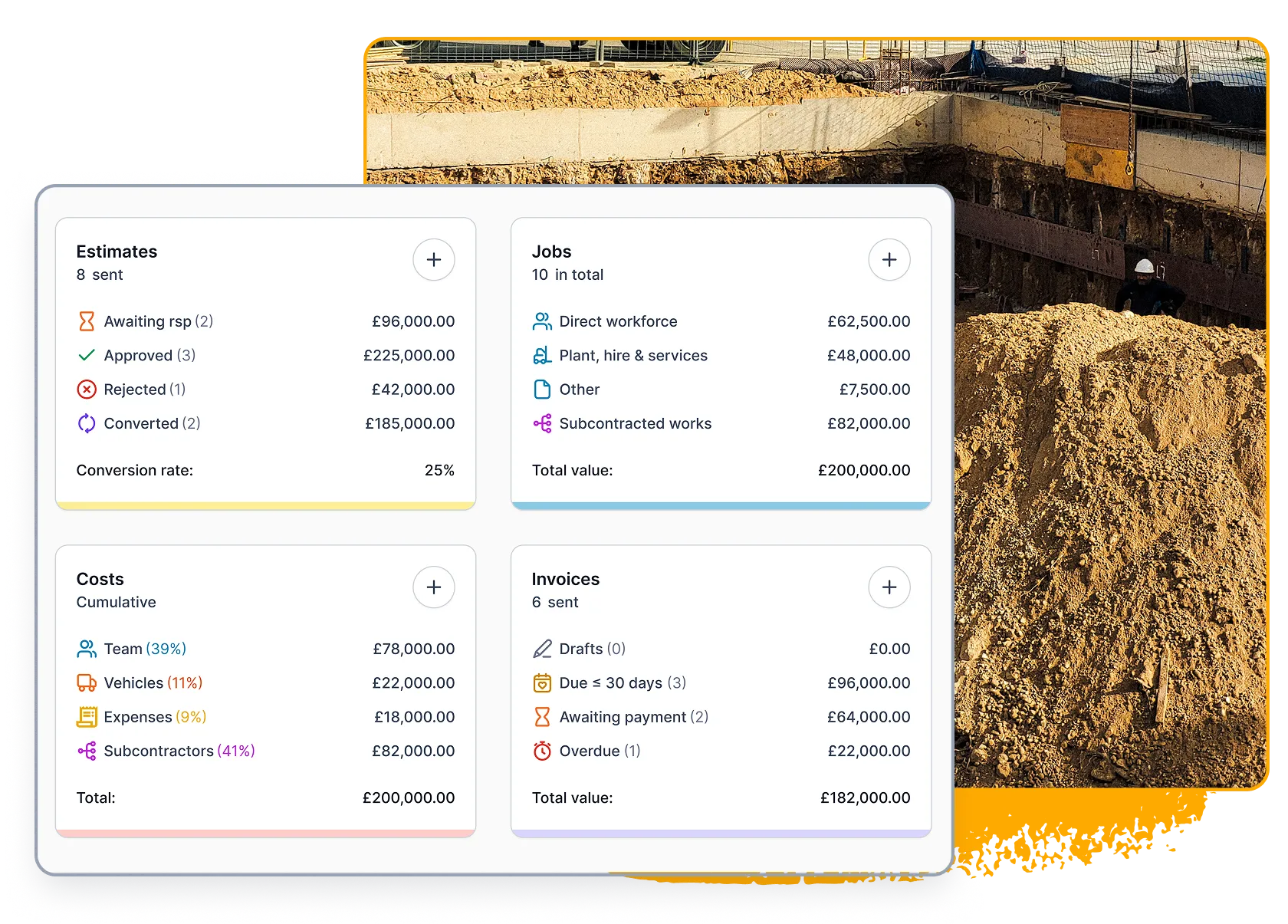
Make handovers easy
Give office, project, site and commercial teams the same reference point. A colleague joining the work should be able to find the core Project and understand which connected records matter without asking somebody to forward an old email chain.
Book a demo